Plants’ care app
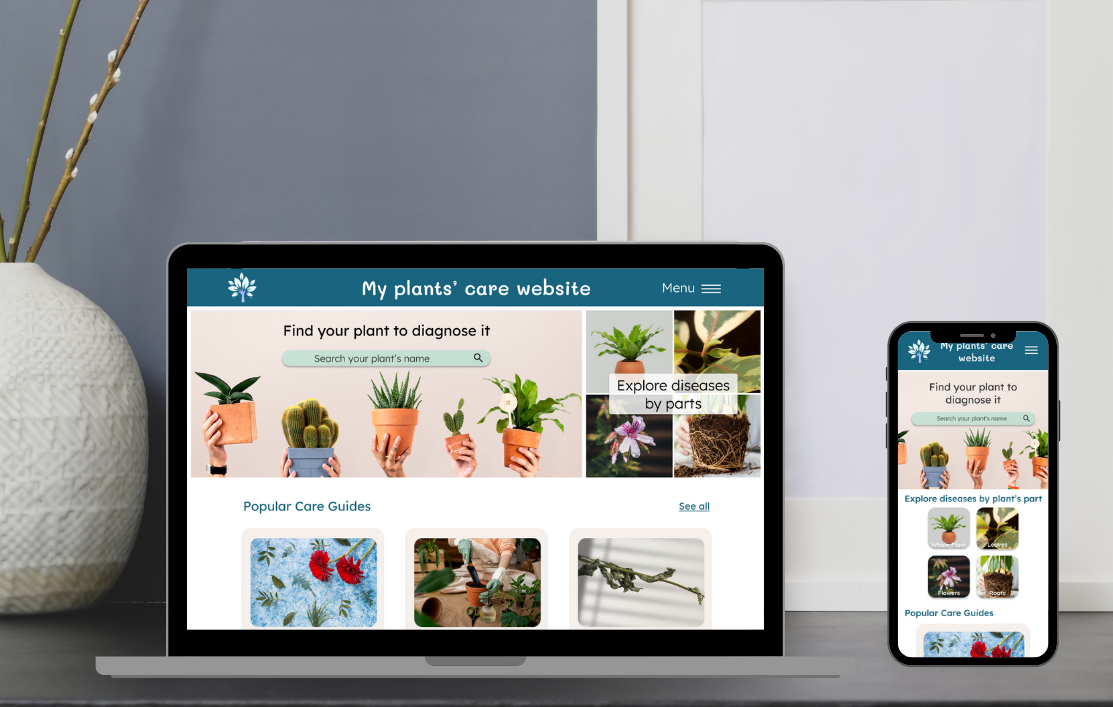
Project, completed in English, as part of the Google UX Design certification as an UX-UI Designer. The goal was to design a mobile application on the same topic as the previously created Plants’ Care website (for houseplants' care).
Project description
For this project, the user research and empathy stage was largely similar to the Plants' Care website project, this time based on feedback regarding apps.
The main goal remained the same: to provide users with a simple and quick way to diagnose their plants and receive a personalized treatment plan based on the diagnosis.
I then followed the same process as in the Plants’ Care website project, namely: ideation and design stage, starting with paper wireframes, then creating low-fidelity ones on Figma.
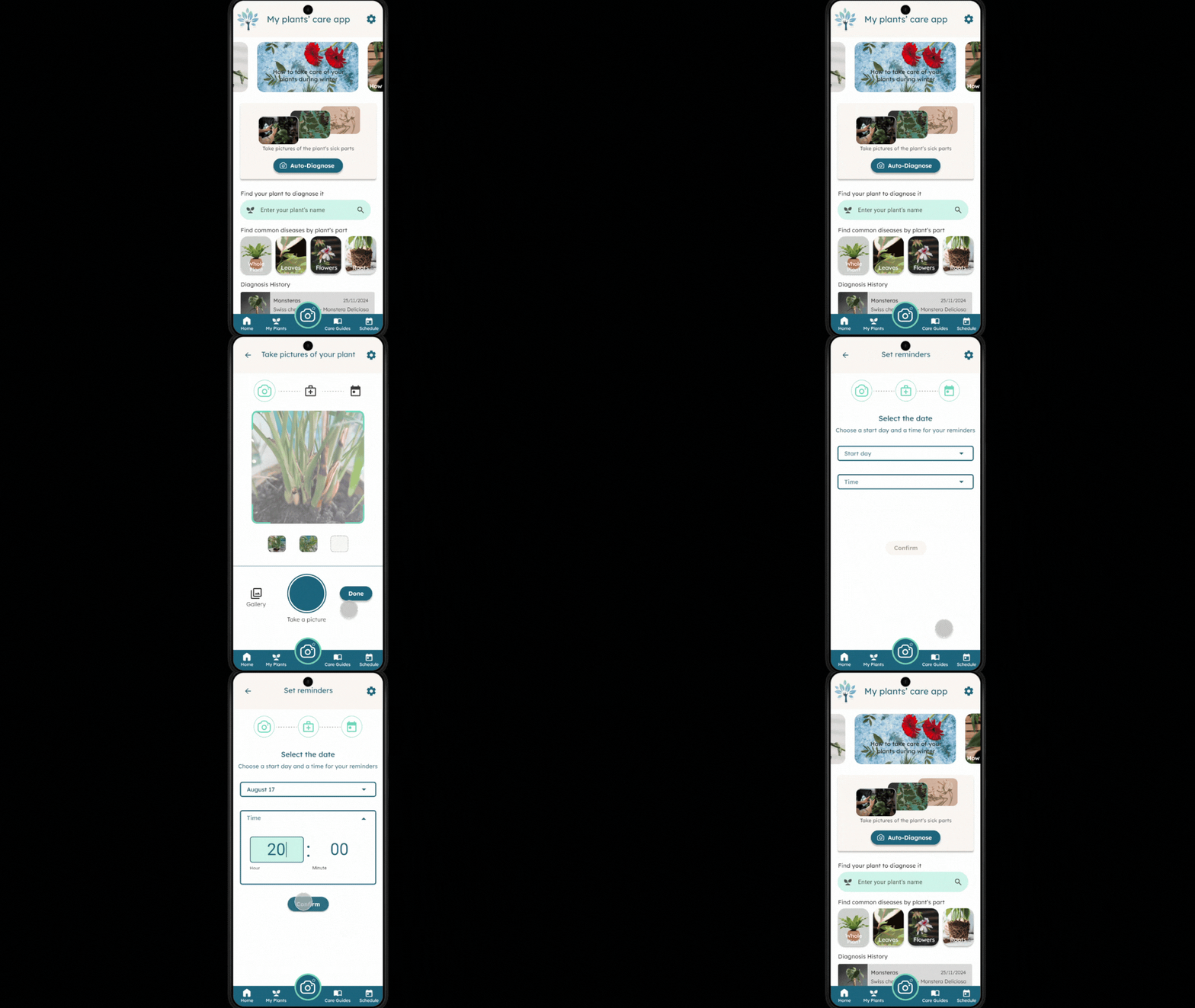
The creation of interactions for the first prototype was focused on using mobile gestures to keep the app intuitive and easy to use.


Next, I conducted a usability study with 5 people to identify any improvements on the mobile app.
Several points appeared, such as the fact that the auto-diagnose feature (by taking a photo of the plant directly) was not intuitiveto use. It was also difficult to find one's plant due to the structure and the search button not being visible enough. Additionally, the feature to add a reminder for plant care was appreciated.
After analyzing the tests conducted, I iterated on my previous designs, changing the overall structure to make it easier to use.
Then, I created the high-fidelity versions, taking into account mobile-specific gestures and the feedback provided during the usability test.
Project overview


Project insights
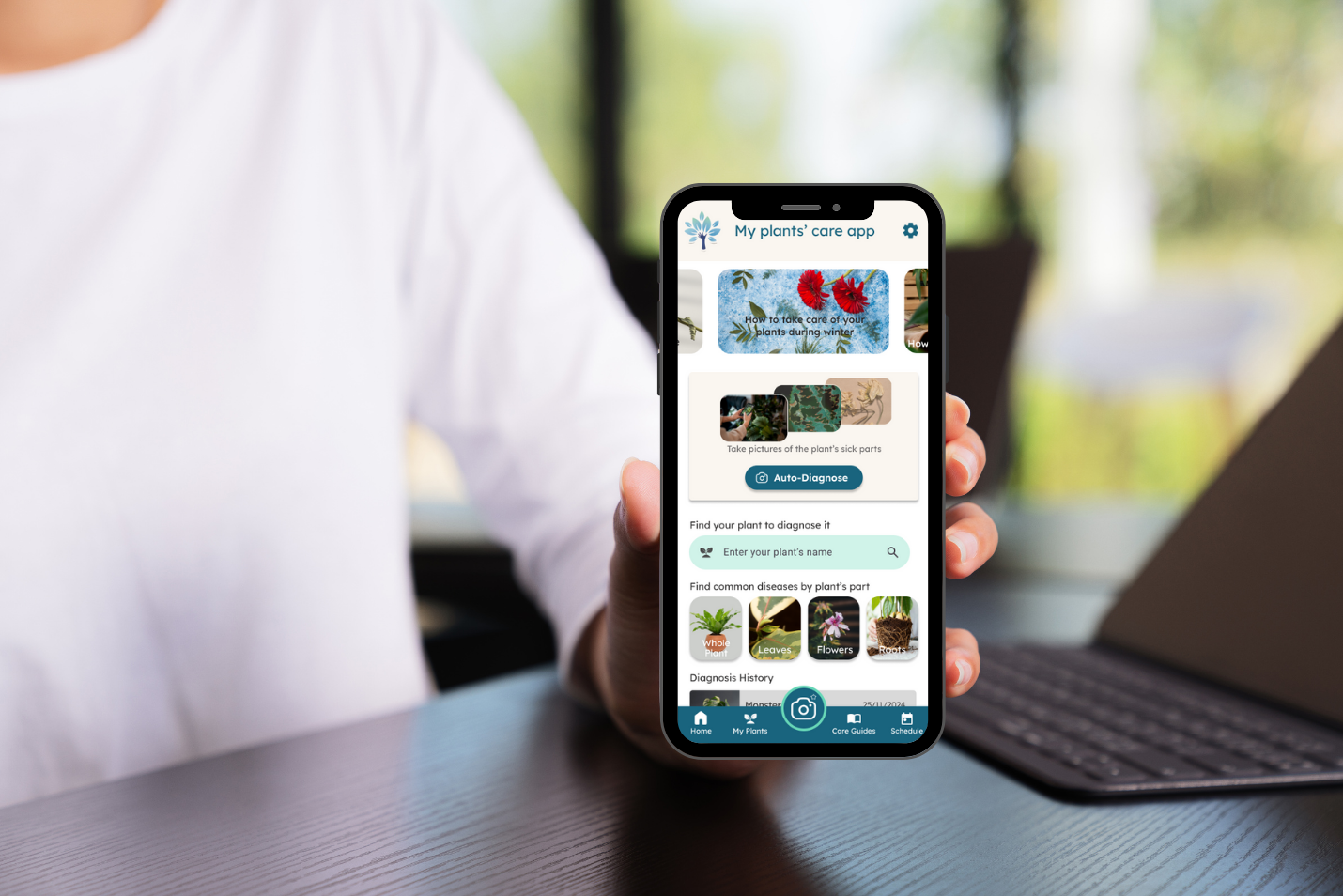
I was able to design a mobile application that allows users to easily diagnose their houseplants.
I really enjoyed the mobile app aspect, especially because I found that the variety of possible gestures is a real advantage for designing a smooth and intuitive interface.
I also realized that it's important to have a representative sample of end users, especially on mobile, to understand which actions might be considered complicated or not intuitive for some.
Discover another project?